Documentation
Individual files
gradle vodmlDoc
will generate standard documentation into the directory build/generated/docs/vodml/ (this can be changed with the outputDocDir setting)
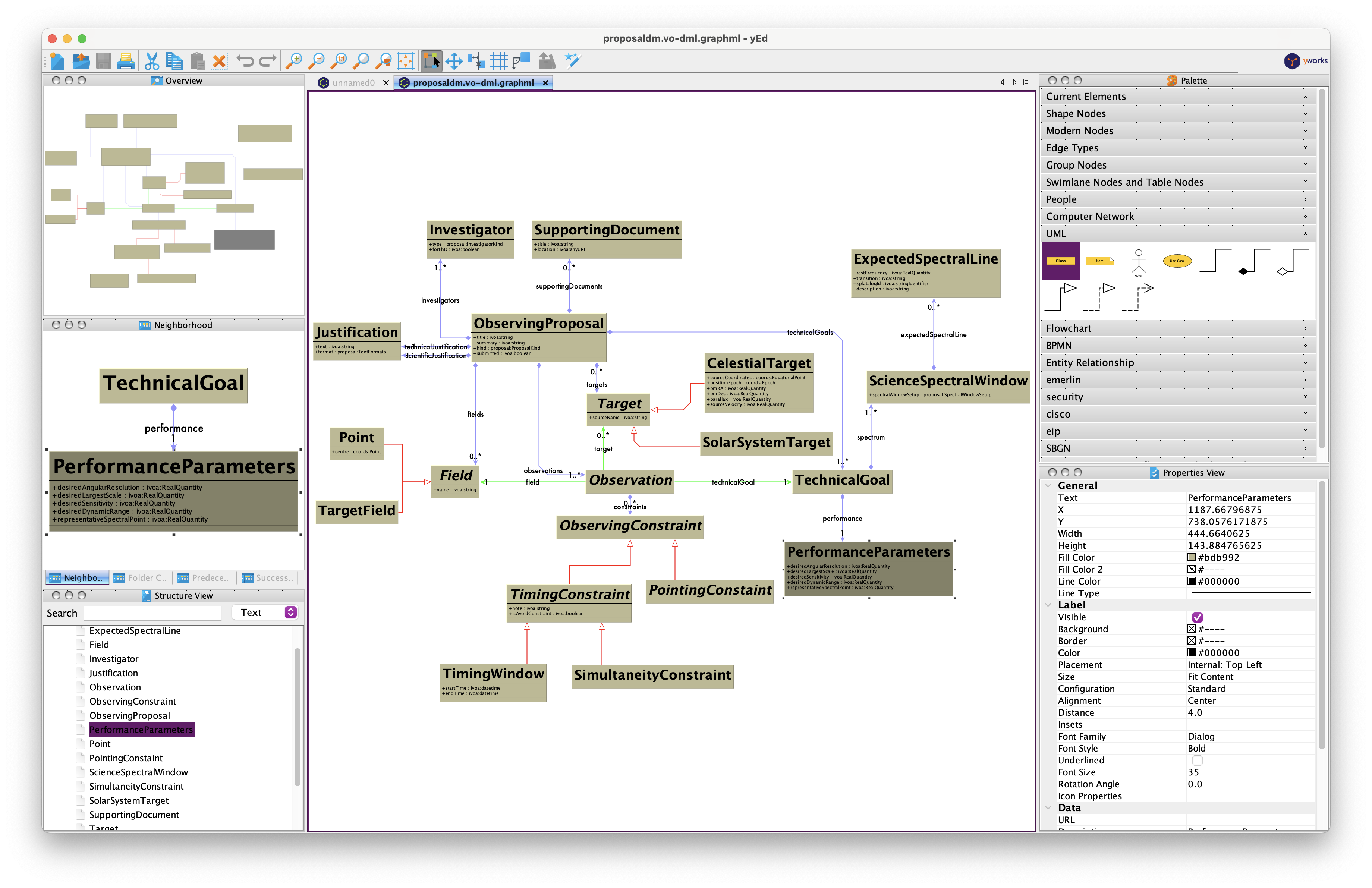
This will produce a model diagram, latex and html formatted documentation, as well as a graphml representation of the model (a file with a .graphml extension)
that can be hand edited with yEd for nicer looking model diagrams.
Static Site
gradle vodmlSite
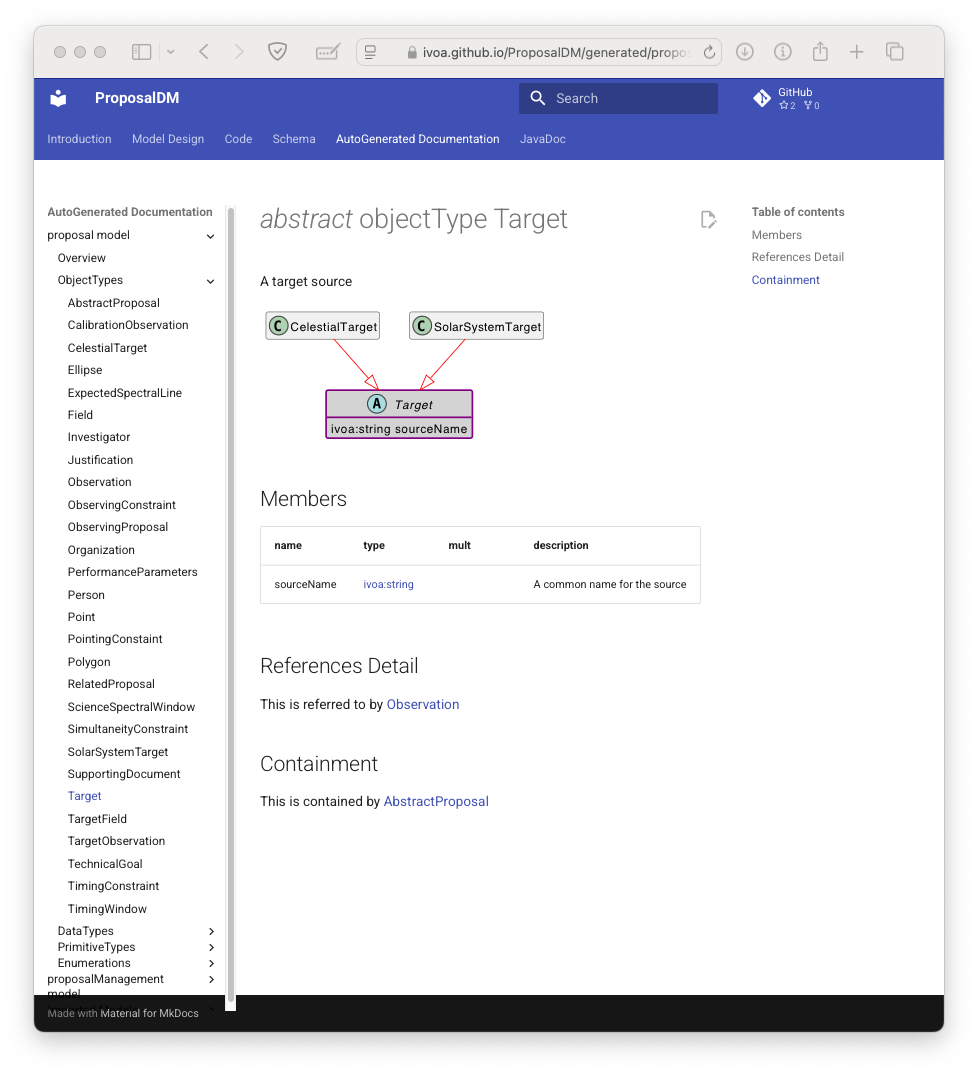
Will generate a whole static site describing the model that is intended to be further processed with the mkdocs tool that is configured with the material theme.
The site is generated at in the build/generated/docs/vodml-site/ directory (which can be
changed with the outputSiteDir setting). If you are creating full documentation site,
then it is likely that you will want to add content other than the autogenerated model
description. In this case the tools have an assumption that the outputSiteDir is set to a
generated sub-directory of your configured mkdocs top-level directory.
The type of site can be controlled with setting the siteType property to either sphinx or mkdocs - the default is mkdocs. The following example shows how to set the site type to sphinx in the build.gradle.kts file.
vodml {
    siteType.set("sphinx")
}
sphinx
When generating a sphinx site it is expected that the generated content be included in the wider sphinx site setup with a toctree:: directive in the sphinx index.rst file. The generated content should be placed in a sub-directory of the sphinx source directory, and the toctree:: directive should point to the generated index.rst file.
mkdocs
When generating a mkdocs site, the integration with the rest of the site is not as straightforward as for the sphinx site, and the following configuration scaffolding considerations apply.
The plugin will create an allnav.yaml file in the project directory which can be added to the mkdocs navigation using yq by adding the following to the build.gradle.kts
tasks.register<Exec>("siteNav")
{
    commandLine("yq", "-i",  "(.nav.[]|select(has(\"AutoGenerated Documentation\"))|.[\"AutoGenerated Documentation\"]) += load(\"allnav.yml\")", "mkdocs.yml")
    dependsOn("vodmlSite")
}
which in turn assumes that there is an "AutoGenerated Documentation" section in the mkdocs nav that can be added to.
nav:
  - Home: index.md
  - AutoGenerated Documentation:
      - Javadoc: generated/javadoc
ER Diagram
In addition to the other diagrams the site documentation command will generate a plantuml definition of the entity relationship diagram for the TAP schema for the model. To include the diagram in the site documentation the following can be used on a page.
 ``` plantuml format="svg_inline" source="./generated/schema/TemplateDM-v1.vo-dml.tap.plantuml"
 ```
Example Site
The DataModel Template has an example setup, and the ProposalDM has a mature example with many objects.